
Common questions
Payments, policies, and the sharp edges of running a booking business, answered short.
Is the widget on as soon as I install? How do I turn it off?
Yes. The master switch on your dashboard’s status card is on from the start, so once you create a service and enable the theme embed, customers can book. Disable on that card is the kill switch: it hides the widget and stops new bookings everywhere, instantly, while your services, settings, and existing bookings stay exactly as they were. Reminders still send and manual bookings still work while it’s off. Having no calendar connected never disables anything; calendars are only for syncing.
How do payments and refunds work?
A paid booking is a normal Shopify order, paid through your checkout. When you cancel a paid booking from the admin, you choose whether to refund; the refund is issued through Shopify and the booking records it. Free and pay-on-arrival services never touch payment.
A customer paid, but their slot was taken meanwhile. What happens?
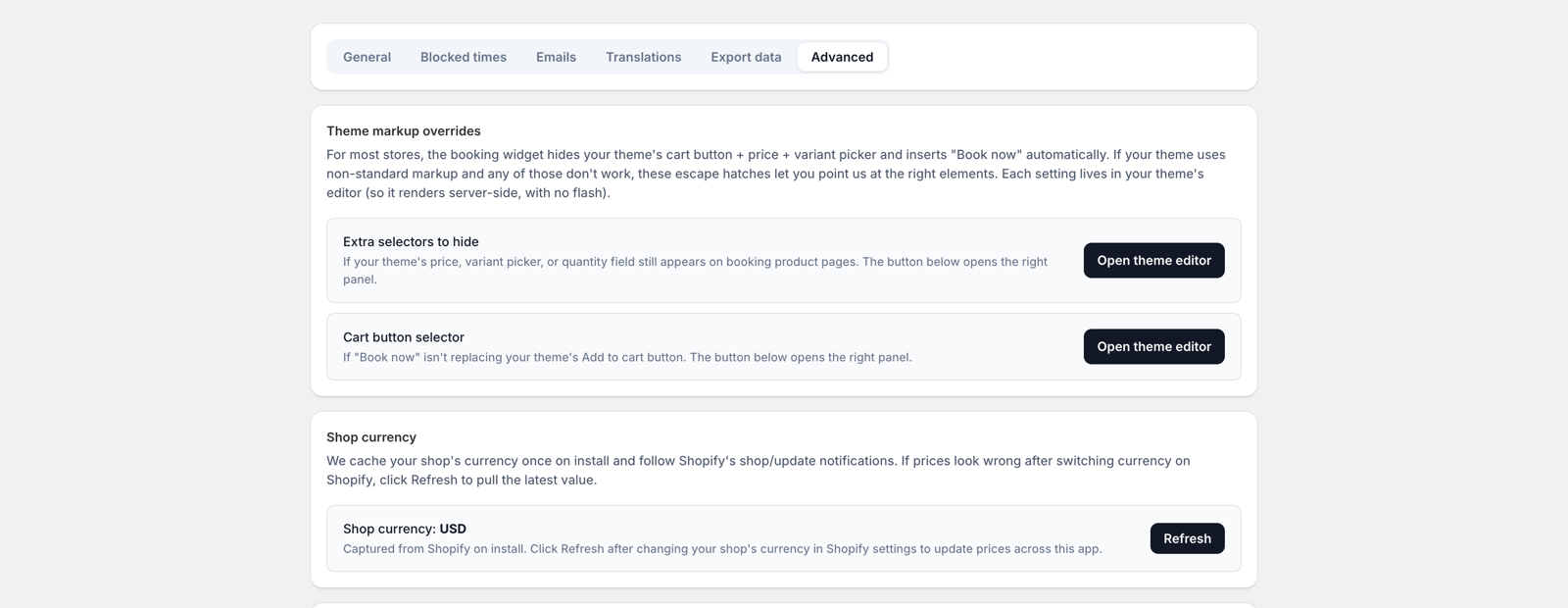
While a customer checks out, their slot is held. If they take long enough that the hold lapses and someone else books the time (rare, but real), the app resolves it by your policy, set under Settings → Advanced:
- “The time is no longer free”: someone or something else took the slot: invite the customer to pick a new time (default), or cancel and refund automatically.
- “The appointment has already started”: payment arrived after the booked start: invite a reschedule, honor the booking if it hasn’t ended yet, or cancel with or without a refund.
Whatever you choose, the customer is emailed the outcome and the booking is never silently lost.
Can customers reschedule or cancel on their own?
Yes. Every booking email links to a secure “manage your booking” page. What it allows follows the rules you set: how close to the start a change is allowed, and whether the service offers self-serve changes at all. Outside those rules the page asks the customer to contact you instead.
How do group classes fill up?
A group service has a capacity. Each date shows how many places are left; when it’s full, it stops being offered. A single customer can also book multiple places at once if you allow attendees.
Cart or straight to checkout?
Under Settings, choose whether booking sends customers to the cart (they might add more) or straight to checkout (fewer steps, faster payment, and the slot hold is tuned to match). Either way the appointment details ride along with the order.
Can I translate the widget?
Yes. Settings → Translations lets you override every customer-facing string in the widget. Change one label or all of them; blank entries keep the default wording.
Where does customer data live, and can it be deleted?
Booking data is processed only to run your bookings. Erasure and export requests made through Shopify are honored automatically, retention limits clean up old records on a schedule, and backups are encrypted. Full details in the privacy policy.
Something else?
Ask us directly. We read everything.