
Booking emails & reminders
The app emails your customers at every step: confirmation, reminders, reschedules, cancellations, and a follow-up afterwards. Everything works out of the box; everything is editable.
The templates
Go to Settings → Emails. The templates cover the whole booking lifecycle from the customer’s side, and you can BCC yourself a copy of any of them. Open any template to edit its subject and body. Placeholders like the customer’s name, the service, and the appointment time fill in automatically, and a preview shows the result as you type.
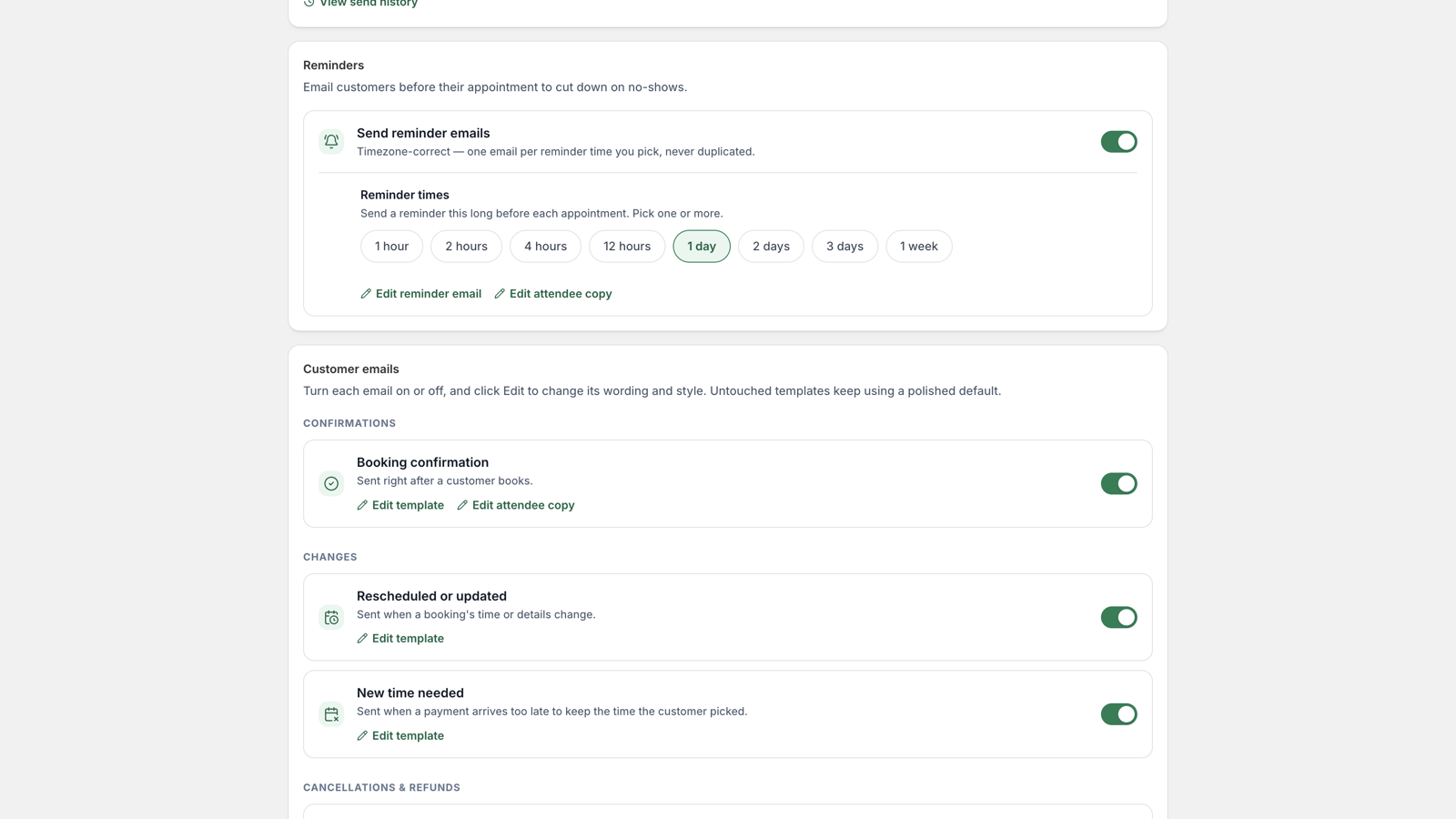
- Turn any template off if you don’t want that message sent.
- Add your logo once and it appears on every email.
- Calendar attachment: confirmations can include an .ics file so “add to calendar” is one click. Toggleable.
- Copy yourself: BCC admin copies of customer emails if you like a paper trail in your inbox.
Reminders & follow-ups
Reminders are opt-in: enable them and choose when they go, for example 24 hours and 1 hour before the appointment. A follow-up email can go out after the appointment ends: thank-yous, review asks, rebooking nudges. Switch it on per service in the service editor’s notifications section. You can also send a one-off reminder from any booking’s page at any moment.
Per-service tweaks
Each service’s editor has a notifications section: switch individual emails off for that service only, or add a custom block of text to its emails, like parking instructions or a what-to-bring list for a class.
Send from your own domain
By default, emails send from our verified sending domain with your shop’s name as the sender. To send from your own domain instead, open Settings → Emails, add your domain, and create the DNS records shown. Once they verify, everything sends from you.