
Help center ▸ Running your business
Working hours, breaks & holidays
A slot is offered only when everything lines up: the staff member works then, nothing blocks the time, and their synced calendar is free. Here’s where each piece is set.
Staff working hours
Each person’s weekly schedule lives on their page under Staff: the days and hours they take bookings, plus their own time off. Services offer slots from the schedules of the staff assigned to them.
Store-wide blocked times
Settings → Blocked times holds everything that applies to every staff member and service:
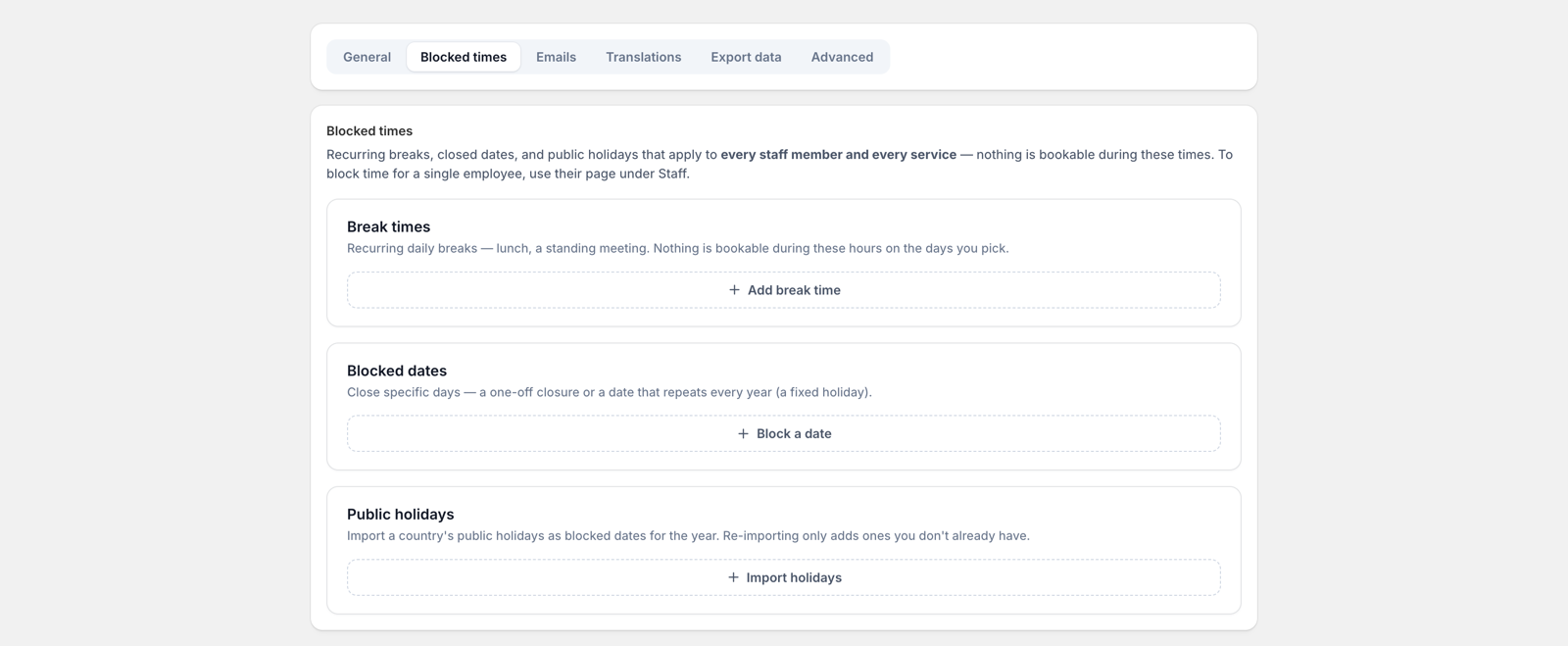
- Break times: recurring daily or weekly breaks (lunch, a standing meeting). Pick the hours and the days of the week they apply.
- Blocked dates: close a specific day, once or repeating every year.
- Public holidays: import a country’s holidays for the year in one click. Re-importing only adds ones you don’t already have.
Your synced calendar counts too
With two-way calendar sync on, events in a staff member’s Google, Outlook, or iCloud calendar block their slots automatically. Dentist appointments included, no data entry required.
Group services: capacity is the other
half of availability. A group slot stays bookable until it’s full, and the
widget shows how many places are left on each time slot.